


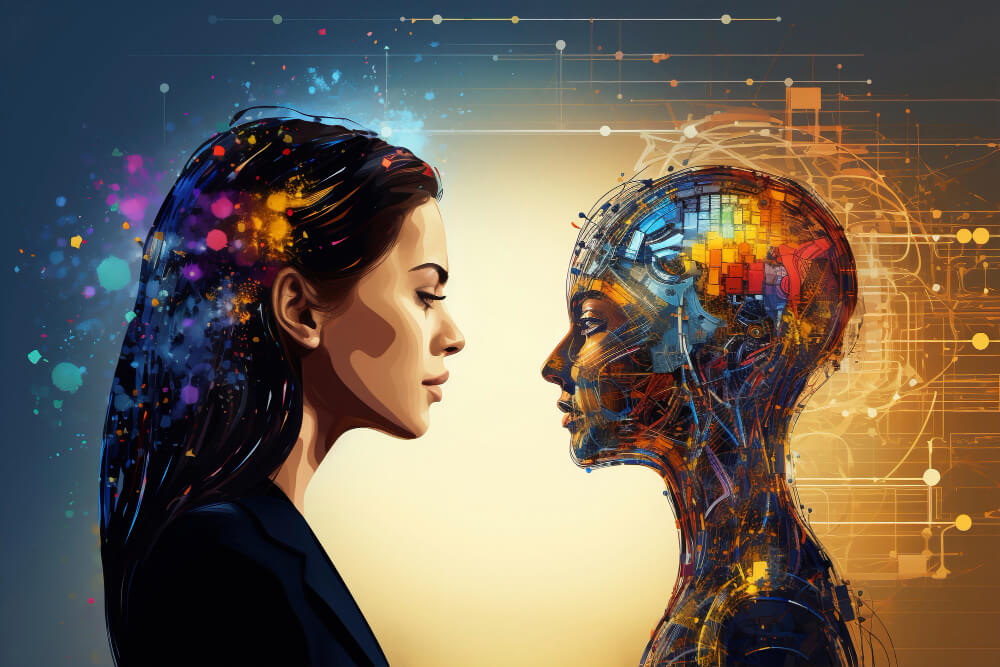
What Is AI Image Generation?
Making digital images used to be hard. Really hard. Artistic skills, first. Design software, next. And time. Lots of it. AI changed that. Opened up another way, basically. Describe an image. Use words. Get a visual back. Based on that description. That’s it. Plain and simple. The name? AI image generation. That’s what people call it.
So what’s an AI image generator, exactly? Machine-learning models, underneath. Trained on huge collections. Visual information. Text information too. Both together. Someone types a prompt. What happens? The system reads the words. Analyses them. Spots links between concepts. Then builds an image. One that tries to match. The subject. The style. The composition. The atmosphere. All of it, ideally. And the range? Pretty wide, honestly. Simple illustrations. Detailed creative concepts. Everything in between.
How AI Image Generators Work
What powers these systems? Neural networks, mostly. Advanced ones. They’ve learned patterns. Which ones? Links between language and visuals. Words on one side. Visual elements on the other. How’d they learn? Training. Tons of examples. Processed one after another. Slowly, the model figures things out. How objects look. How colours work. Textures too. Environments. Artistic styles. How each gets represented.
Then someone submits a prompt. Now what? The system reads the language. Interprets it. Turns it into usable information. Something the model can build from. Some technologies work progressively. Step by step. Refining as they go. Shapes. Colours. Lighting. Other details too. Bit by bit.
Does quality vary? Yes. Quite a bit, actually. Depends on several things. The model’s capabilities, first. The prompt’s wording, next. Image dimensions matter too. So does detail level. How much gets requested. And here’s the odd part. These systems work probabilistically. Meaning what? Same general description. Different results, sometimes. Noticeably different, even. Surprising? A little. Normal? Totally.
Why Prompt Writing Matters
A prompt’s not just a description. It’s more. Way more. Instructions, really. What goes in the image. How it should look. Take a vague one. “A city at night.” Lots of gaps there. Who fills them? The system. Every creative call, basically. Now a detailed one. A modern city skyline. Wet streets. Neon lights reflecting off them. Pedestrians carrying umbrellas. Cinematic lighting. A wide-angle perspective. Big difference, right? Way more direction. Way less guessing.
Specific helps. Fewer unwanted variations, usually. What can users describe? The subject. The setting. The mood. Lighting too. Perspective. Colour palette. Artistic approach. Plenty of options. But careful. Too much backfires. Seriously. Excessive instructions? Confusing. Harder for the model to interpret. Overload hurts.
Best approach, then? Start simple. The core visual idea. Just that. Then add details. Gradually. Important ones only. Why this way? Easier to track. Which parts help? Which parts hurt? Which ones add useless complexity? Step by step shows it. Clearly.
Common Uses of AI-Generated Images
Where’s AI imagery used? Lots of places. Creative fields. Professional ones too. Content creators, first. Illustrations for articles. Presentations. Social media concepts. Video projects. Designers, next. Brainstorming, mostly. Need several ideas fast? Generated visuals help. Quick exploration. Low effort.
Businesses use it too. Early visual development, especially. Picture a team. Working on a campaign. What do they make first? Rough concepts. Backgrounds. Compositions. Visual themes. All before the real thing. Final artwork? Still traditional design processes. AI just speeds up the start.
Education? Yep. Here too. Abstract subjects get illustrated. Learning materials get visual examples. Hard ideas, easier to see. Writers? Same story. Characters. Settings. Fictional environments. All explored visually. And independent creators? They experiment. Different visual styles. No advanced illustration skills needed. None at all.
AI Images and Creative Control
AI’s fast. Very fast. Human direction still matters, though. A lot. Looks appealing? Great. Ready to use? Not necessarily. Big difference there. What needs checking? Proportions. Text. Facial details. Object placement. Lighting. Consistency with the original concept. Quite a list, honestly.
Editing’s usually part of it. Normal step. How does it go? Generate several versions. Pick the best composition. The most useful one. Then adjust. Using regular editing software. Conventional tools. Automated generation plus human refinement. That combo works. Better control, too. More than one single prompt gives. Way more.
So what’s the tech, really? A creative tool. That’s the right frame. Replacement for visual decision-making? No. Not completely. Human judgement still counts. Especially here. Does the image communicate? The intended message? Only a person decides that. Properly, anyway.
Limitations and Challenges
Limitations? Several. Real ones. Models mess up. Sometimes, anyway. Distorted hands. Always hands. Inconsistent objects. Unusual facial features. Inaccurate text. Other visual errors too. Complex scenes? Even harder. Lots of people. Lots of objects. Consistency gets tough. Particularly tough.
Another challenge? Legal stuff. Copyright. Ownership. Training data use. Big questions. Laws are still developing. Industry practices too. Different countries, different rules. So what’s the takeaway? Using generated images commercially? Or publicly? Check the rules. The applicable ones. Check the service’s terms too. The specific one being used. Before anything else.
Ethics matter too. Seriously. AI images can mislead. Create false representations. Imitate particular visual styles. Someone’s style, even. So responsible use counts. Think about context. Think about transparency. Think about consequences. Potential ones. Especially before publishing synthetic imagery. Every time.
Improving Results Through Experimentation
Useful image on the first try? Rare. Honestly rare. Experimentation’s usually needed. So skip expecting perfection. First results aren’t final. What to do instead? Modify prompts. Change descriptive details. Adjust composition requirements. Try different visual approaches. Then try again. Keep going.
Save what works, too. Successful prompts, especially. Why? Future work gets faster. More efficient. A creator might keep notes. On what, exactly? Descriptions that deliver. Good lighting, consistently. Good perspectives. Good compositions. Over time, patterns show. Which instructions do what. How they change the output. Slowly, understanding builds.
The Future of AI Image Creation
Where’s it going? Forward. Fast. Rapid development, honestly. Improvements everywhere. Image quality. Editing capabilities. Consistency. Following complex instructions, too. Future systems? Likely more control. Over individual objects. Characters. Layouts. Visual attributes. And tighter links with other creative applications. Closer integration, basically.
Most useful role, ultimately? Probably this. Part of a bigger creative workflow. One piece. Not the whole thing. Replacing human ideas? No. Helping them? Yes. Exploring possibilities. Visualising concepts. Written descriptions in. Workable visual drafts out. Faster. More efficiently. And the tech keeps evolving. Constantly. So what stays important? Understanding it. Its capabilities. Its limitations too. Both matter. For anyone working with digital content. Anyone at all.